
Processing Overview
How Scans Work
Section titled “How Scans Work”The Processing engine is the execution layer of Data Quality Sense. It reads scan definitions created in the Builder, queries live Salesforce data, and produces quality scores visible in Insight Studio.
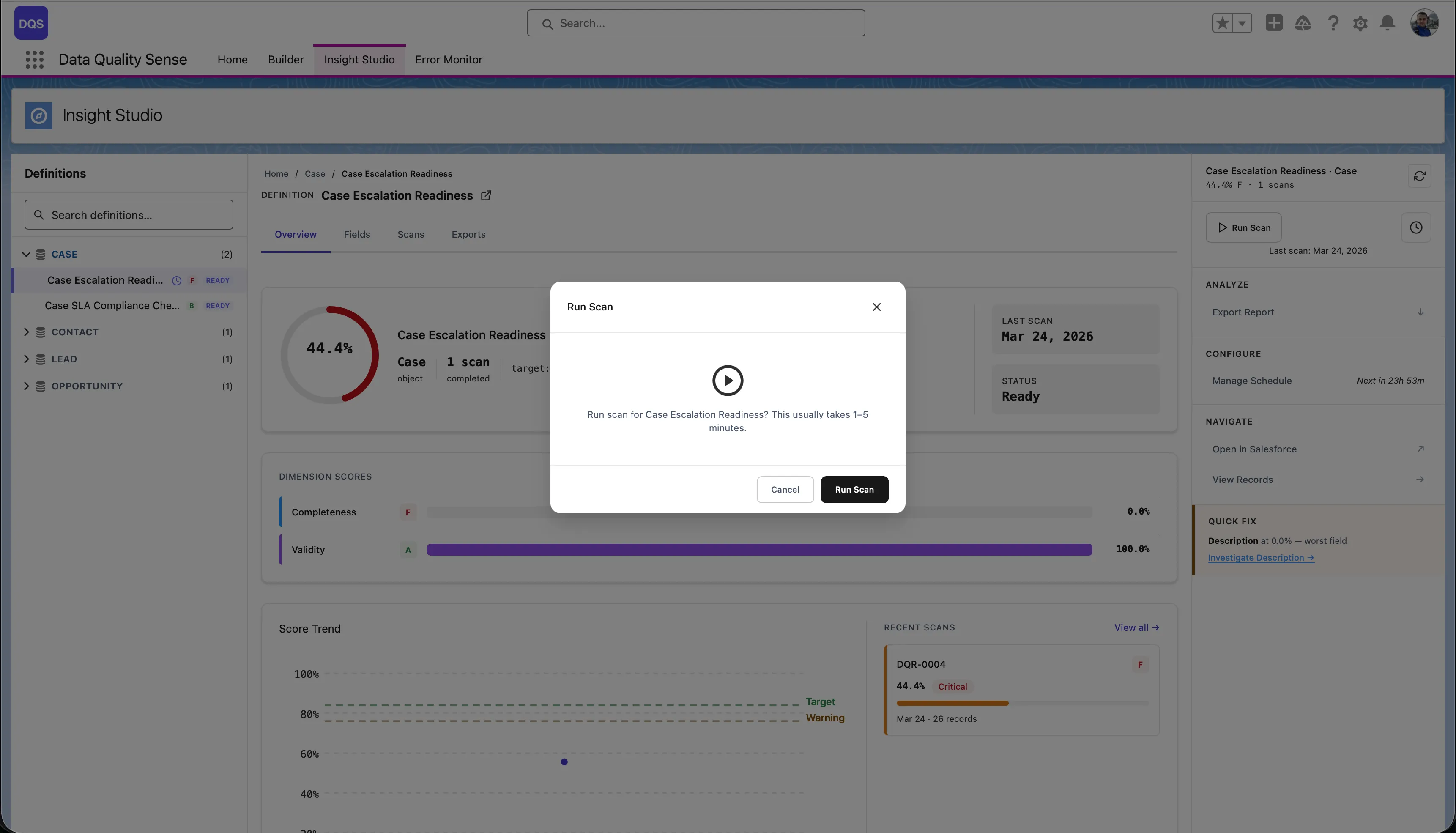
Triggering a Scan
Section titled “Triggering a Scan”Scans can be triggered in three ways:
- Manual — Click “Run Scan” in Insight Studio
- Scheduled — Via CRON-based scheduling
- Programmatic — Via Apex (for custom integrations)