Completeness
What is Completeness?
Section titled “What is Completeness?”Completeness measures the fill rate of your fields — the percentage of records where a field contains a non-null, non-blank value.
How It Works
Section titled “How It Works”For each field included in the scan, the Completeness strategy:
- Counts the total number of records in scope
- Counts how many records have a non-empty value for that field
- Calculates the fill rate:
(populated records / total records) × 100
Configuration
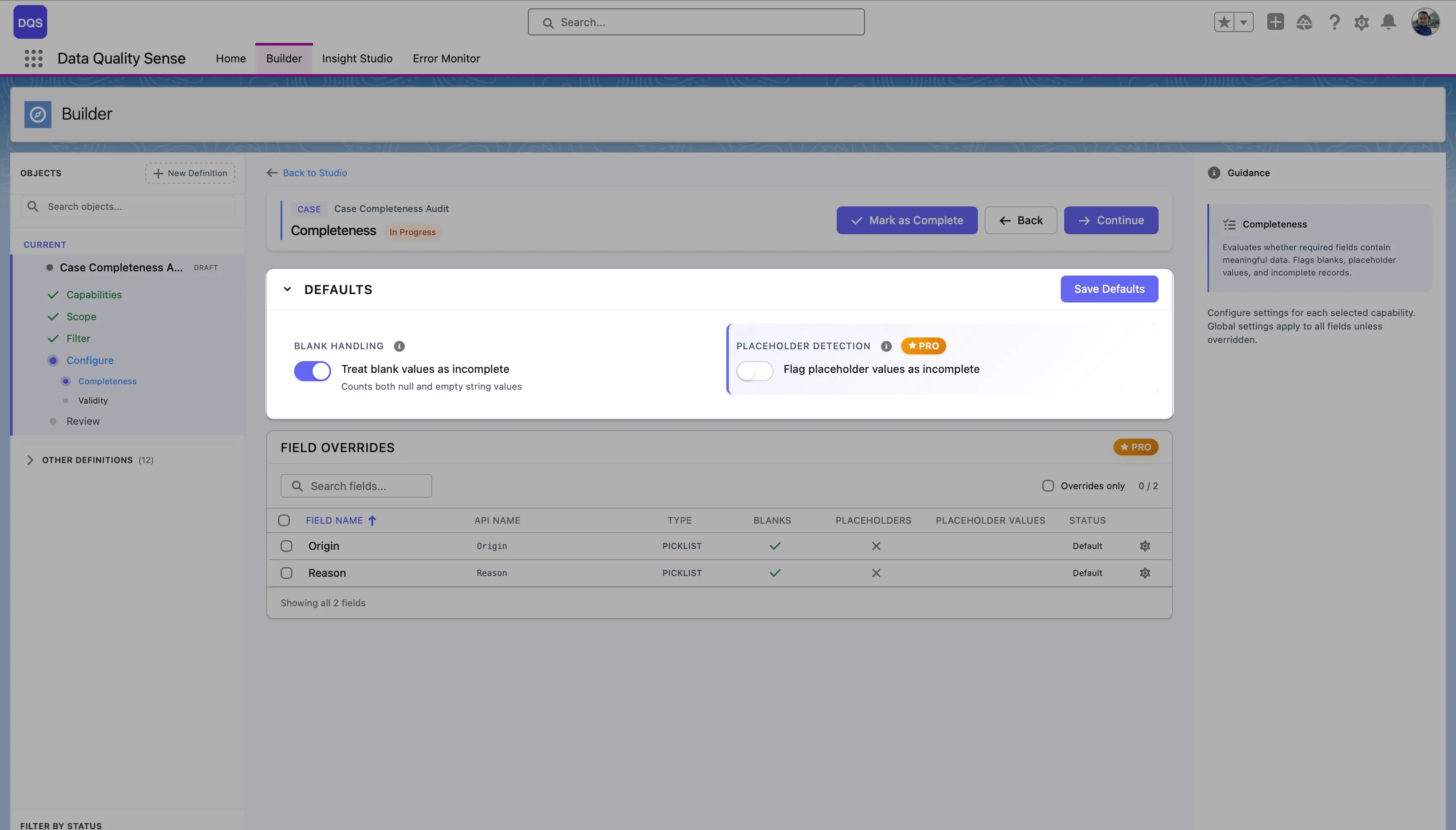
Section titled “Configuration”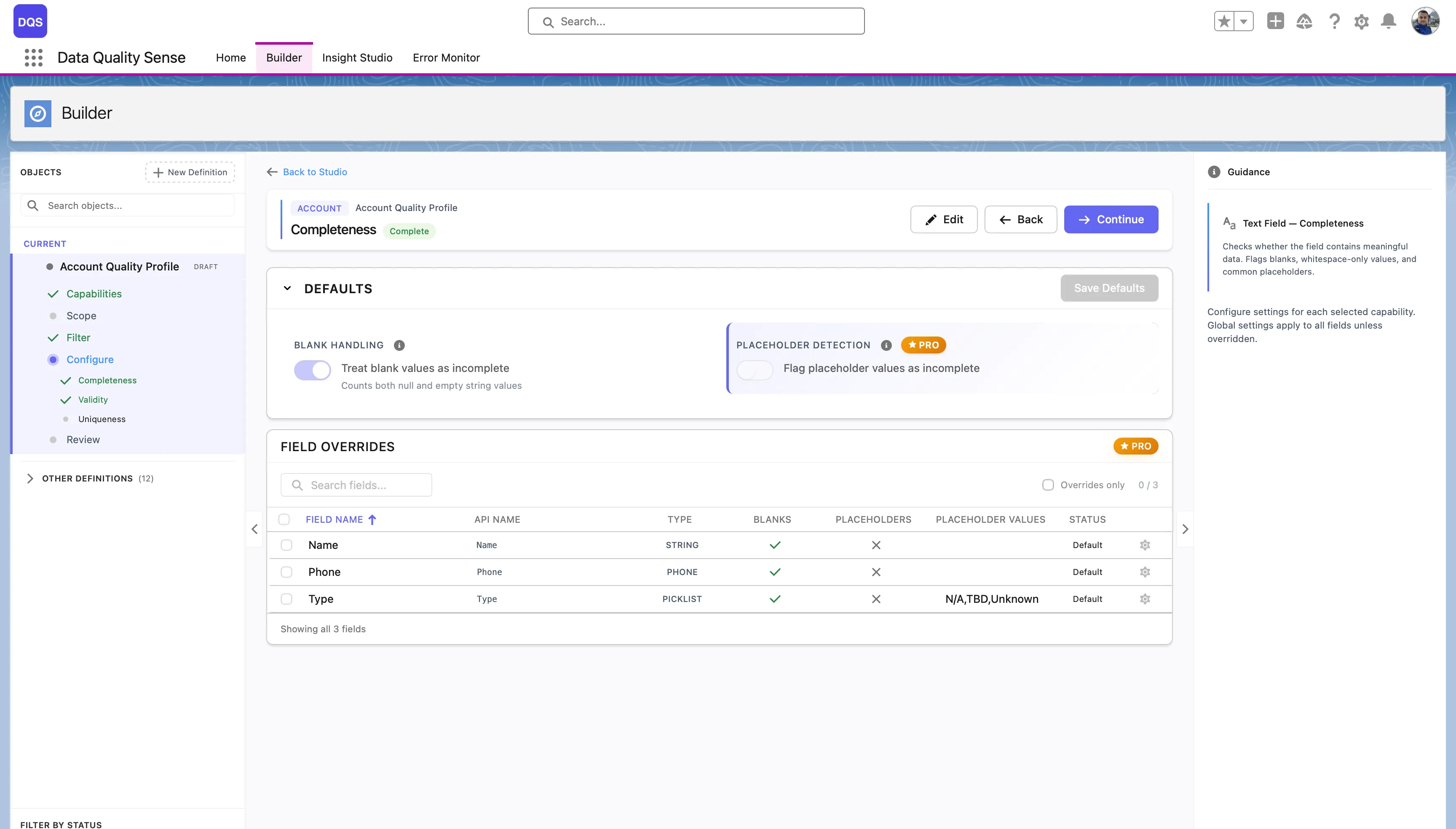
Global Settings
Section titled “Global Settings”| Setting | Description | Default |
|---|---|---|
| Expected Fill Rate | The minimum acceptable percentage of populated records | 80% |
Per-Field Overrides
Section titled “Per-Field Overrides”Override the expected fill rate for individual fields. Common overrides:
- Required fields (Email, Name) → 100%
- Optional fields (Description, Notes) → 50%
- Rarely used fields → 20%
Scoring
Section titled “Scoring”| Fill Rate | Score |
|---|---|
| ≥ Expected | 100 |
| Below expected | Proportional (e.g., 70% fill with 80% target = 87.5 score) |
| 0% | 0 |
Use Cases
Section titled “Use Cases”- Identify fields that are frequently left blank by sales reps
- Monitor data entry compliance for required fields
- Track completeness trends over time after data quality initiatives
- Ensure critical fields (Email, Phone) are consistently populated
Bulk Configuration
Section titled “Bulk Configuration”Use the Bulk Config option to set the same fill rate override across multiple fields at once — useful when you have many fields that share the same completeness requirement.