Definition Lifecycle
Lifecycle Stages
Section titled “Lifecycle Stages”Every scan definition progresses through a series of stages:
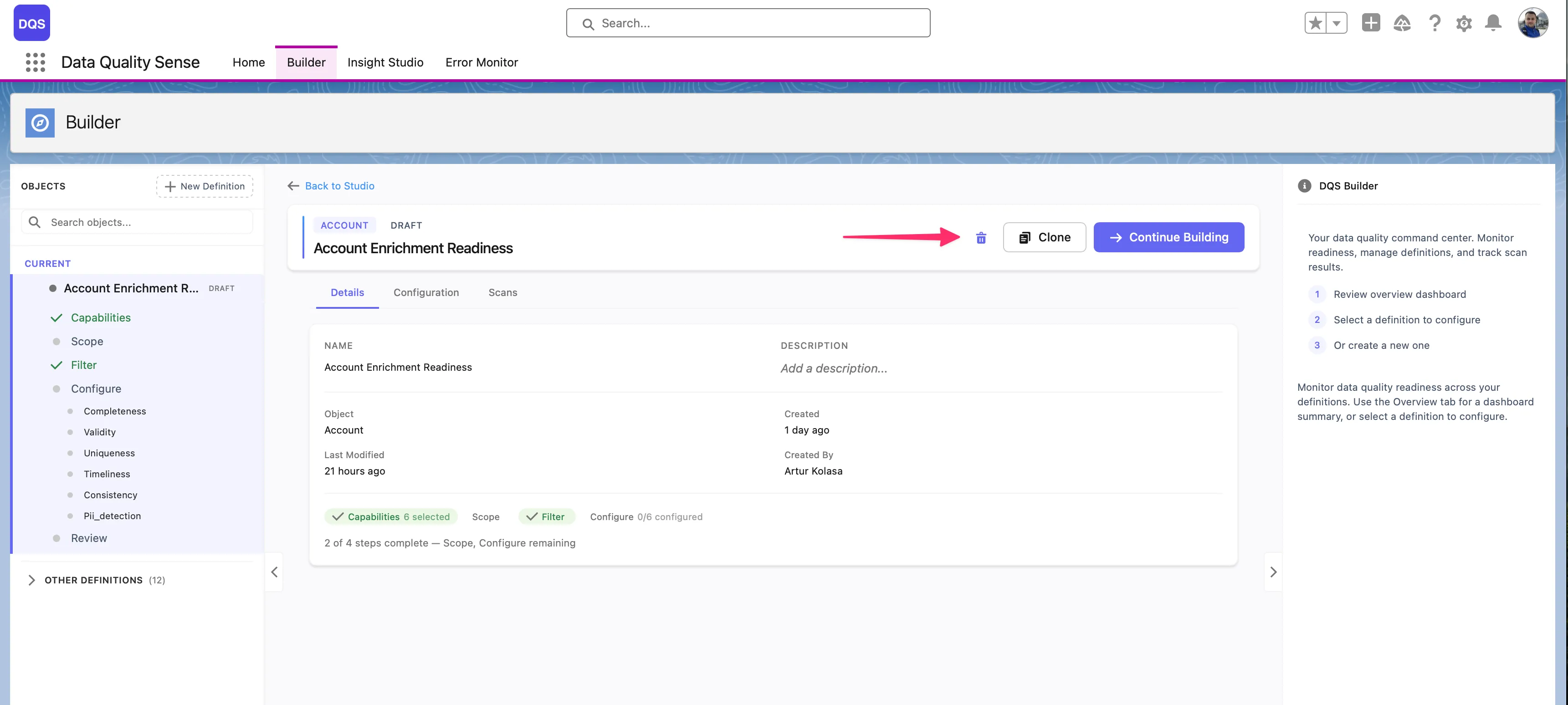
Draft → Ready → Active → ObsoleteThe initial state when a definition is created. In Draft status:
- The definition can be freely edited
- Fields and capabilities can be added or removed
- No scans can be executed
- The definition is not visible in Insight Studio
A transitional state indicating the definition has been reviewed. In Ready status:
- All required configuration is complete
- The definition has passed validation
- It can be activated
Active
Section titled “Active”The operational state. In Active status:
- Scans can be executed against the definition
- Results appear in Insight Studio
- The definition can be scheduled for recurring scans
- Editing is still possible — changes take effect on the next scan
Obsolete
Section titled “Obsolete”The retired state. In Obsolete status:
- No new scans can be triggered
- Existing results remain visible in Insight Studio for historical analysis
- The definition can be reactivated if needed
Activation Validation
Section titled “Activation Validation”Before a definition can be activated, DQS validates:
| Rule | Description |
|---|---|
| Fields selected | At least one field must be selected |
| Capabilities enabled | At least one capability must be enabled |
| Configuration complete | All required capability settings must be filled |
Changing Status
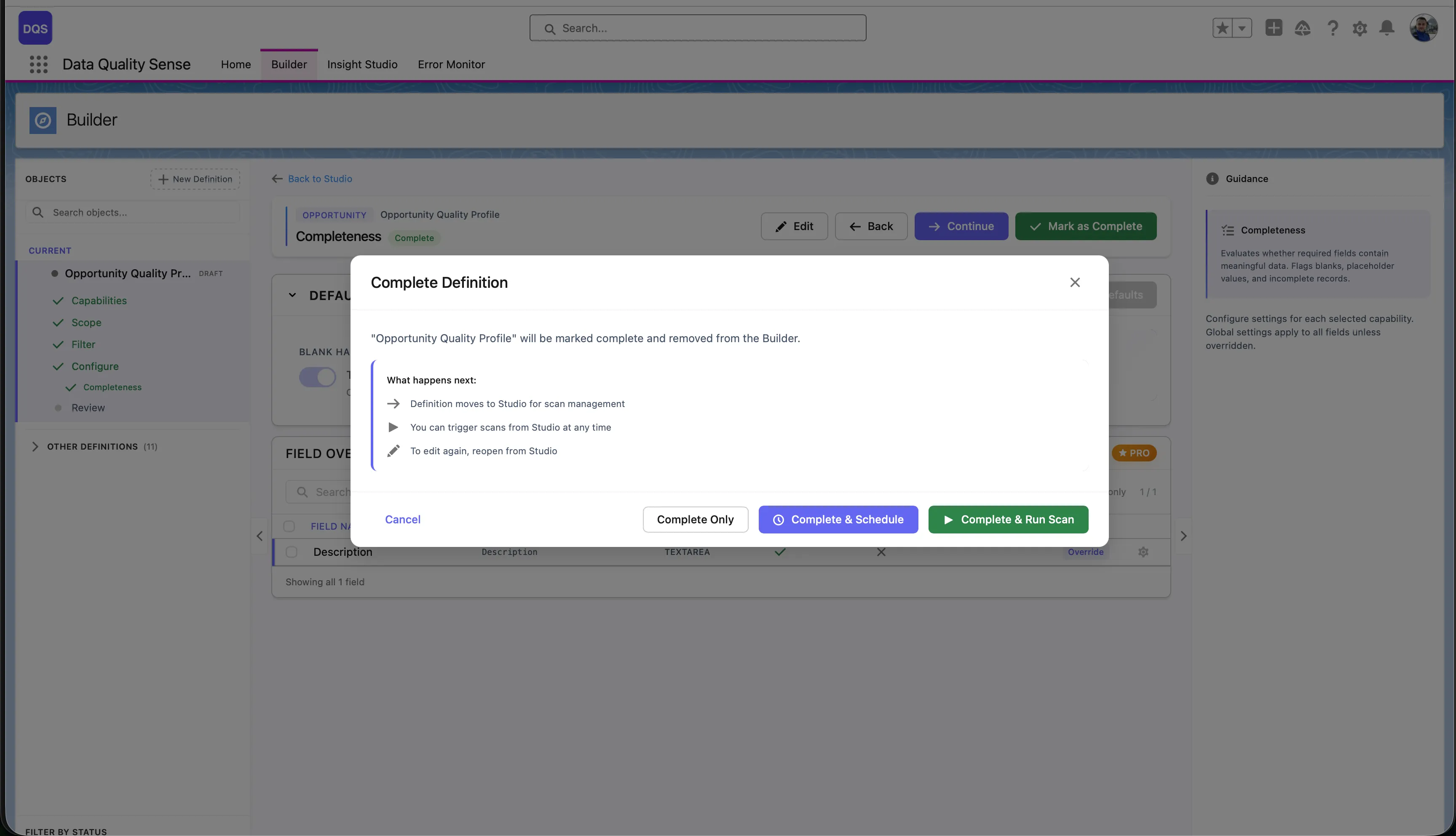
Section titled “Changing Status”- Draft → Active: Click “Mark as Complete” on the summary screen — choose between Complete Only, Complete & Schedule, or Complete & Run Scan
- Active → Obsolete: Use the definition settings to retire it
- Obsolete → Active: Reactivate from the definition settings